Local Business Structured Data: JSON-LD Guide
Want to add local business schema to your site? Google uses LocalBusiness markup to show your address, opening hours and phone number in the local map pack and knowledge panel, and Google's local business documentation spells out the recommended subtype and fields. Add the most specific subtype, preview it in the free Structured Data Preview tool, and check it with the Rich Results Test.
What is Local Business structured data?
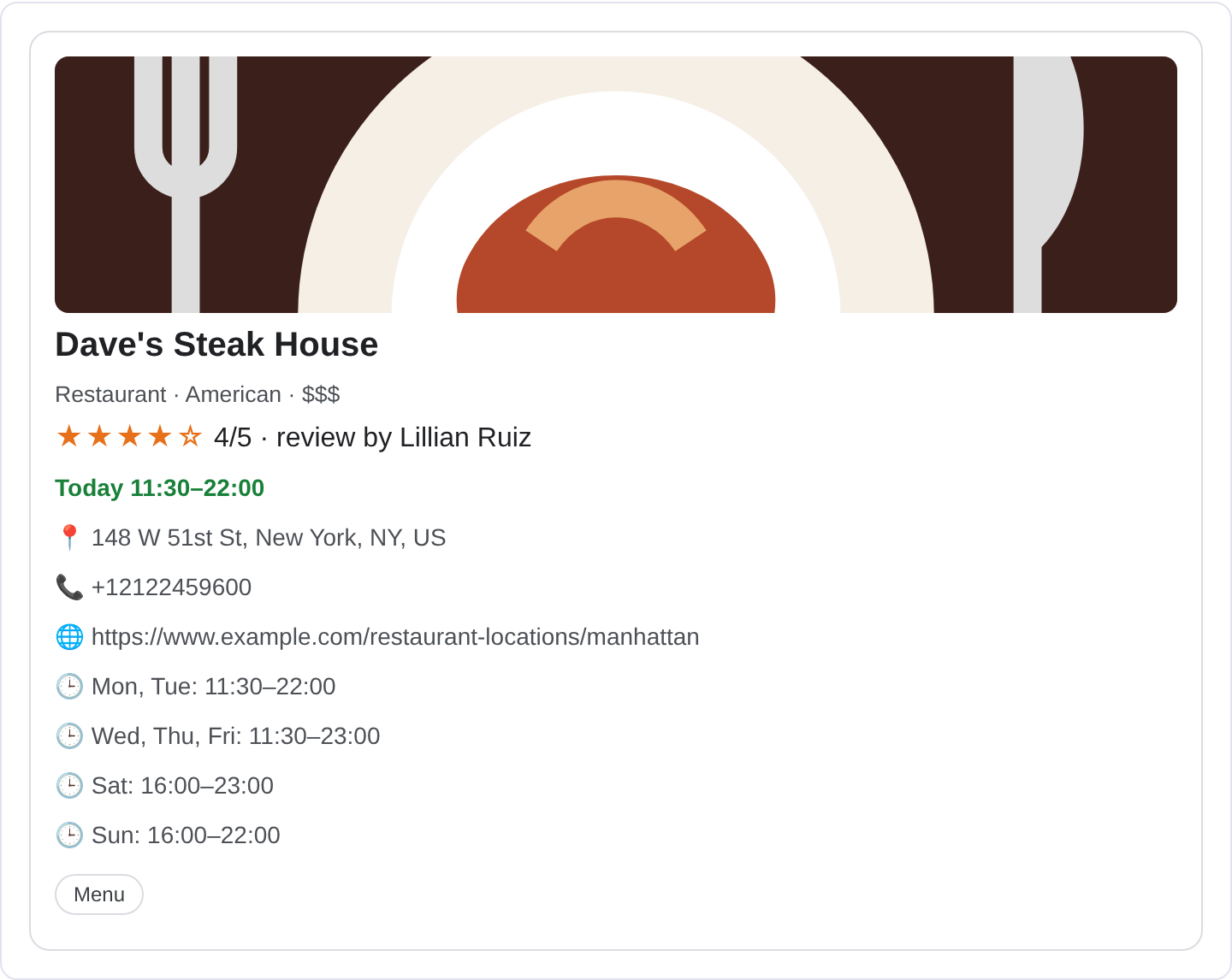
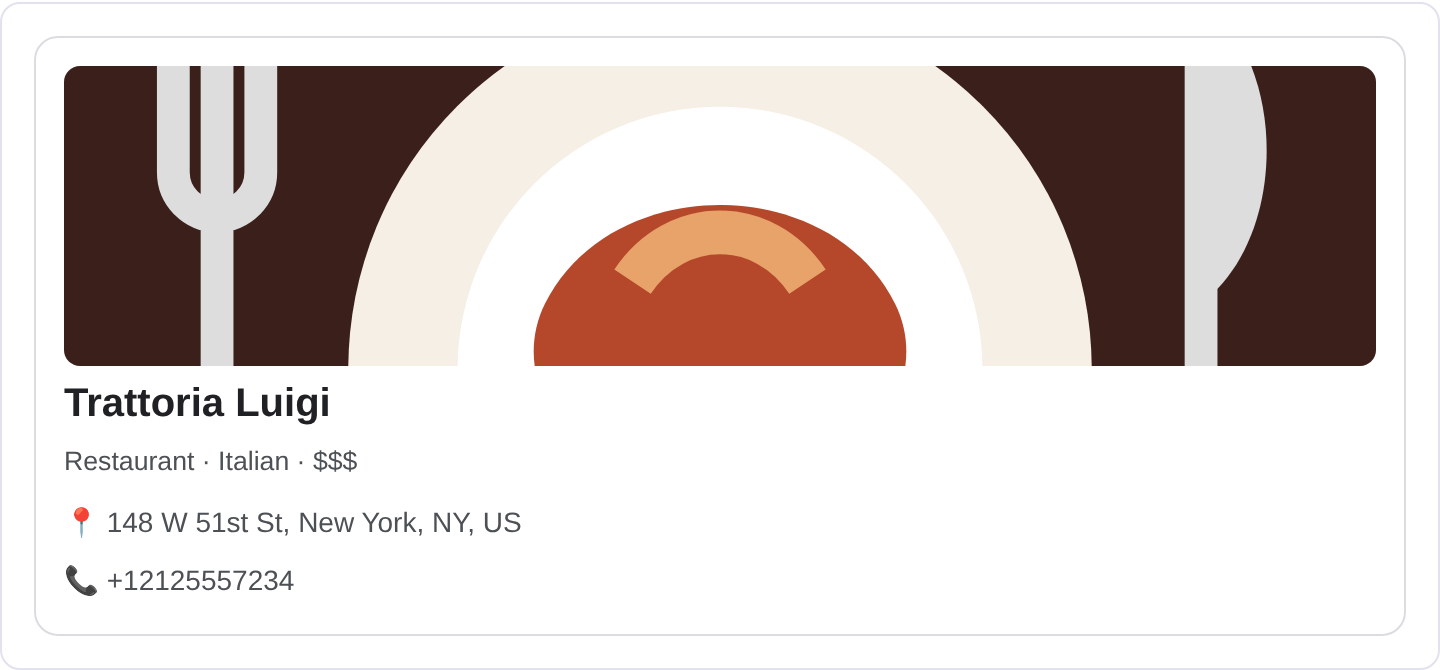
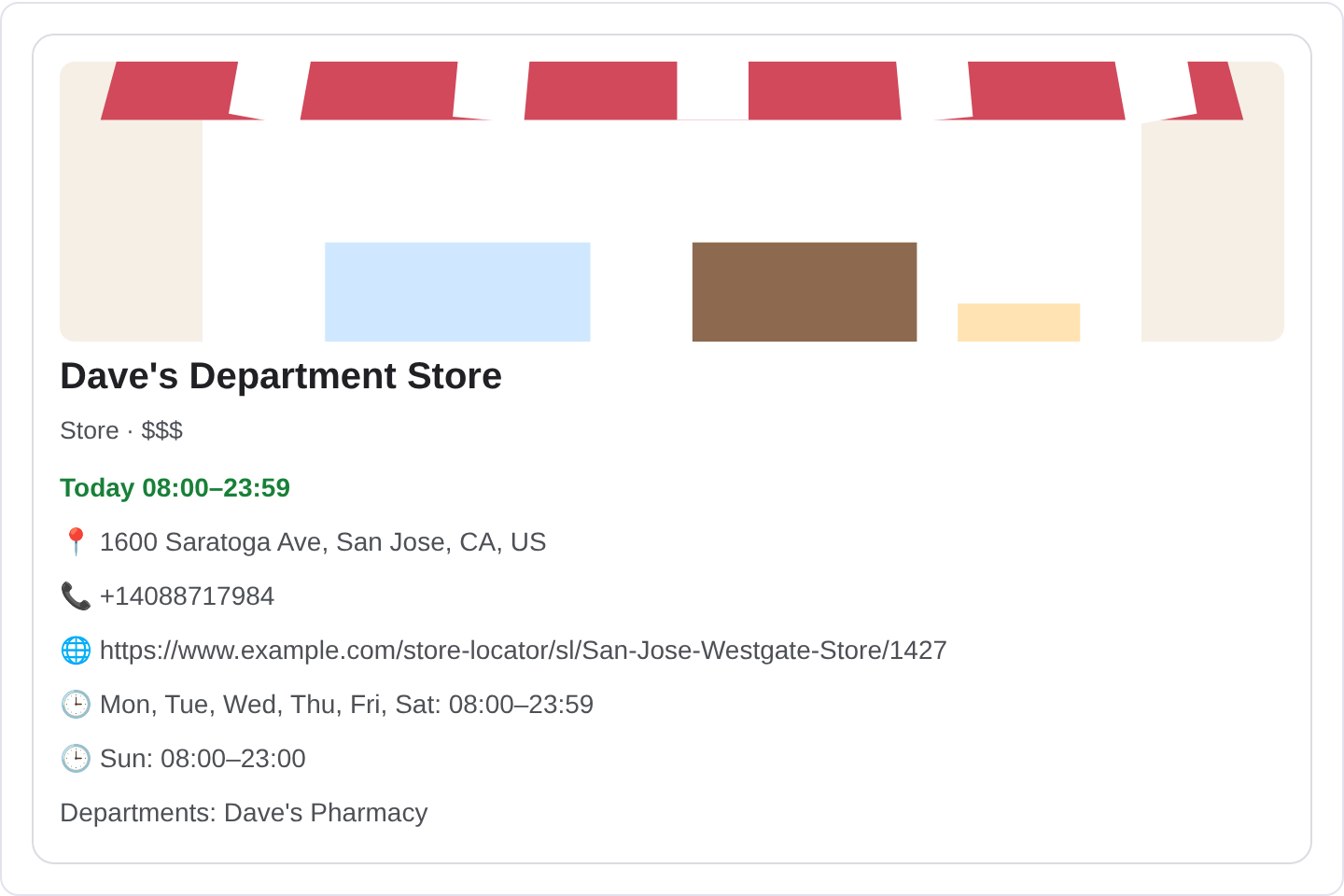
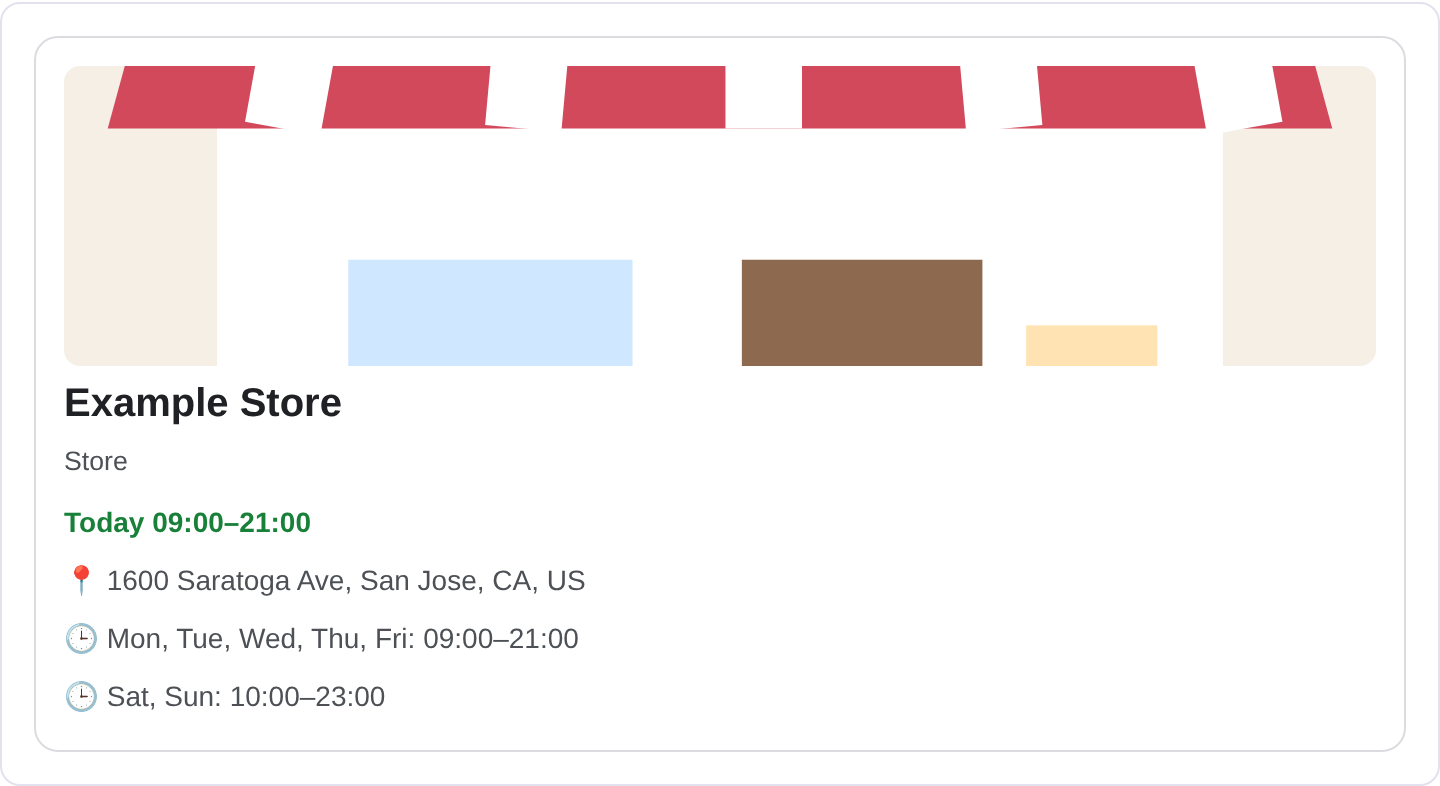
Local Business markup describes a physical place that serves customers: a shop, a restaurant, a clinic, a garage, a salon. It tells Google the name, address, phone number, opening hours and category so the business can appear in local results and on Maps with accurate details. When someone searches "plumber near me" or "best ramen in Harbor City", the businesses that show up in the map pack and the local knowledge panel are the ones whose data Google understands well. This markup is one of the inputs that helps. Google's local business documentation explains how to choose the most specific subtype.
The LocalBusiness type is the umbrella, and there are many more specific subtypes like Restaurant, Dentist, Plumber, HairSalon and Store. Use the most specific subtype that fits; a Dentist is more useful to Google than a generic LocalBusiness. The key properties are name, address, telephone, openingHoursSpecification and geo. Supporting types like GeoCoordinates and PostalAddress fill in the location, and aggregateRating can add a review score if you have genuine reviews.
This markup is for any business with a real-world location that customers visit or that serves a local area. It is not for a purely online business with no physical presence, which should use Organization or OnlineBusiness instead. It is also not a replacement for a Google Business Profile; the markup complements the profile by making the website's data consistent with it. If the address in your markup disagrees with the profile, you create confusion rather than clarity.
What it looks like in search results
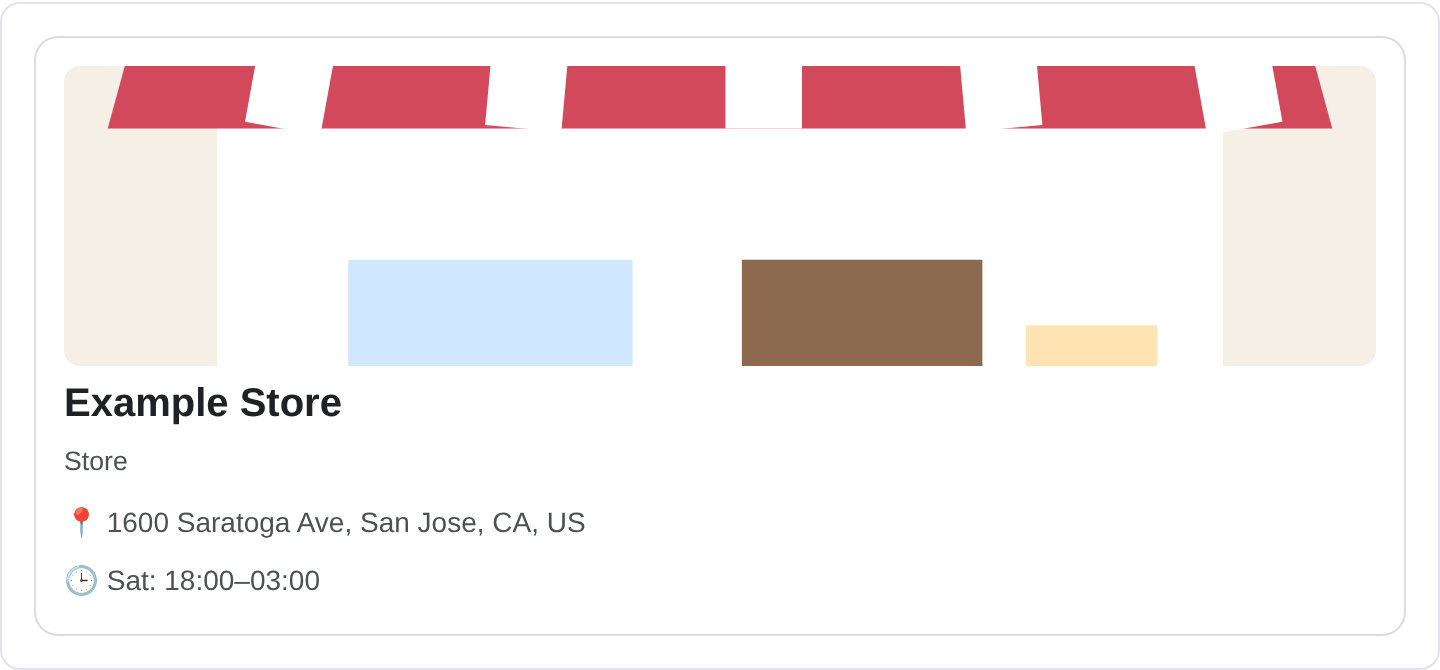
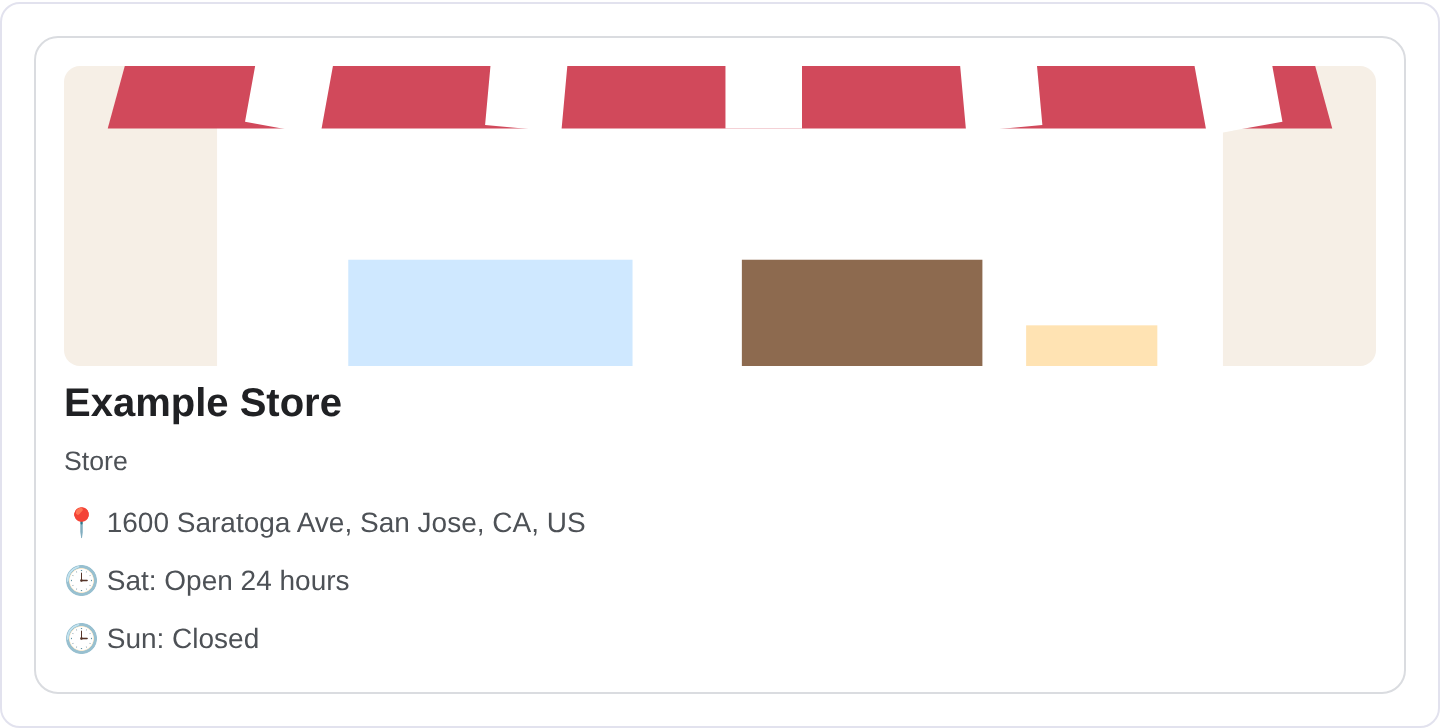
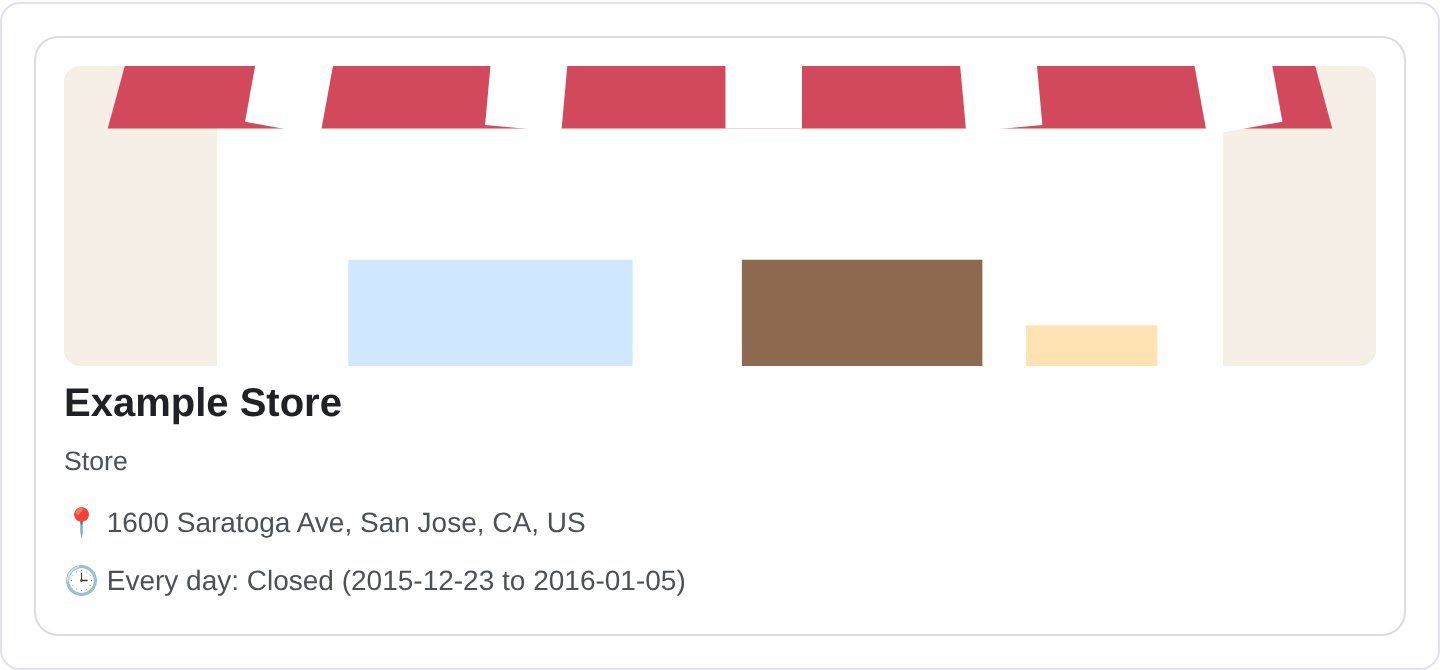
A marked-up local business can appear in the local map pack, in a knowledge panel, or as an enriched result with the address, hours and sometimes a rating. The exact layout depends on the query, the location and Google's local surfaces. The real appearance may differ from any example, so check your own listing in the Rich Results Test and preview the fields with the Structured Data Preview tool.
JSON-LD example
{
  "@context": "https://schema.org",
  "@type": "Restaurant",
  "name": "Dockside Noodle Bar",
  "image": "https://example.com/images/dockside-front.jpg",
  "address": {
    "@type": "PostalAddress",
    "streetAddress": "18 Wharf Lane",
    "addressLocality": "Harbor City",
    "addressRegion": "CA",
    "postalCode": "94111",
    "addressCountry": "US"
  },
  "telephone": "+1-555-0134",
  "priceRange": "$$",
  "openingHoursSpecification": [
    {
      "@type": "OpeningHoursSpecification",
      "dayOfWeek": ["Tuesday", "Wednesday", "Thursday", "Friday"],
      "opens": "11:00",
      "closes": "22:00"
    }
  ],
  "geo": {
    "@type": "GeoCoordinates",
    "latitude": 37.8021,
    "longitude": -122.4013
  }
}
name, address and telephone are the anchor details. The address should be a full PostalAddress with street, city, region, postal code and country, matching the real location. openingHoursSpecification carries the days and the open and close times, and geo gives the coordinates. priceRange is a short hint like $, $$ or $$$, and image gives a photo for the result.
Required and recommended properties
Google needs name and address at minimum. The address should be complete, and for local results it should match the business's Google Business Profile. telephone is strongly recommended, as is openingHoursSpecification, because hours are one of the most common things local searchers want.
Recommended: the most specific subtype you can use, geo coordinates, priceRange, image, url, and aggregateRating if you have genuine reviews. Keep the name, address and phone consistent across the site, the markup and the profile. If you have multiple locations, each gets its own page and its own markup with its own address; one page for all locations is hard to mark up correctly.
How to add Local Business markup to your page
1) Use the validator and pick the most specific subtype. 2) Fill in the name, full address, phone, hours and geo coordinates. 3) Fix errors the preview flags, usually an incomplete address or malformed hours. 4) Paste the JSON-LD into the business's location page <head>. 5) Test the live URL in the Rich Results Test and confirm Google detects the LocalBusiness.
Common mistakes to avoid
Using a generic LocalBusiness when a specific subtype exists. Dentist or Restaurant tells Google more than the umbrella type.
Address that does not match the Google Business Profile. Inconsistent data confuses local ranking and the knowledge panel.
Incomplete address. A missing postal code or region makes the location unreliable. Fill every field.
Hours that are wrong or missing. Stale hours send customers to a closed door. Update them when they change.
One page for many locations. Each location needs its own page and markup with its own address.
Fake ratings. Inflated aggregateRating values are a quality problem and can be penalized.
Using a P.O. box as the address. Local results expect a real physical location.
Forgetting telephone. A local business with no phone number is harder to contact and less useful in results.
Frequently asked questions
Does local business markup help me rank in the map pack? It supports accurate, consistent data, which matters for local visibility, but it is not a substitute for a strong Google Business Profile and real reviews.
Can an online-only business use it? No. If there is no physical location or local service area, use Organization or OnlineBusiness instead.
What if I have several locations? Create a page per location and mark each one up with its own address, phone and hours.
How specific should the subtype be? As specific as accurate. HairSalon beats LocalBusiness because it tells Google what kind of place it is.
Related guides
Try it on your own content
The Structured Data Preview checks content against these practices in seconds. Free and no sign-up; see the tool page for how analysis works.