Course Structured Data: JSON-LD Guide
Want your course to show up as a rich learning card? Course structured data tells Google the provider, description and schedule, which is what powers the course result and course carousels. Add the Course and CourseInstance JSON-LD, validate it with the free Structured Data Preview tool, and check the fields against Google's Course documentation.
What is Course structured data?
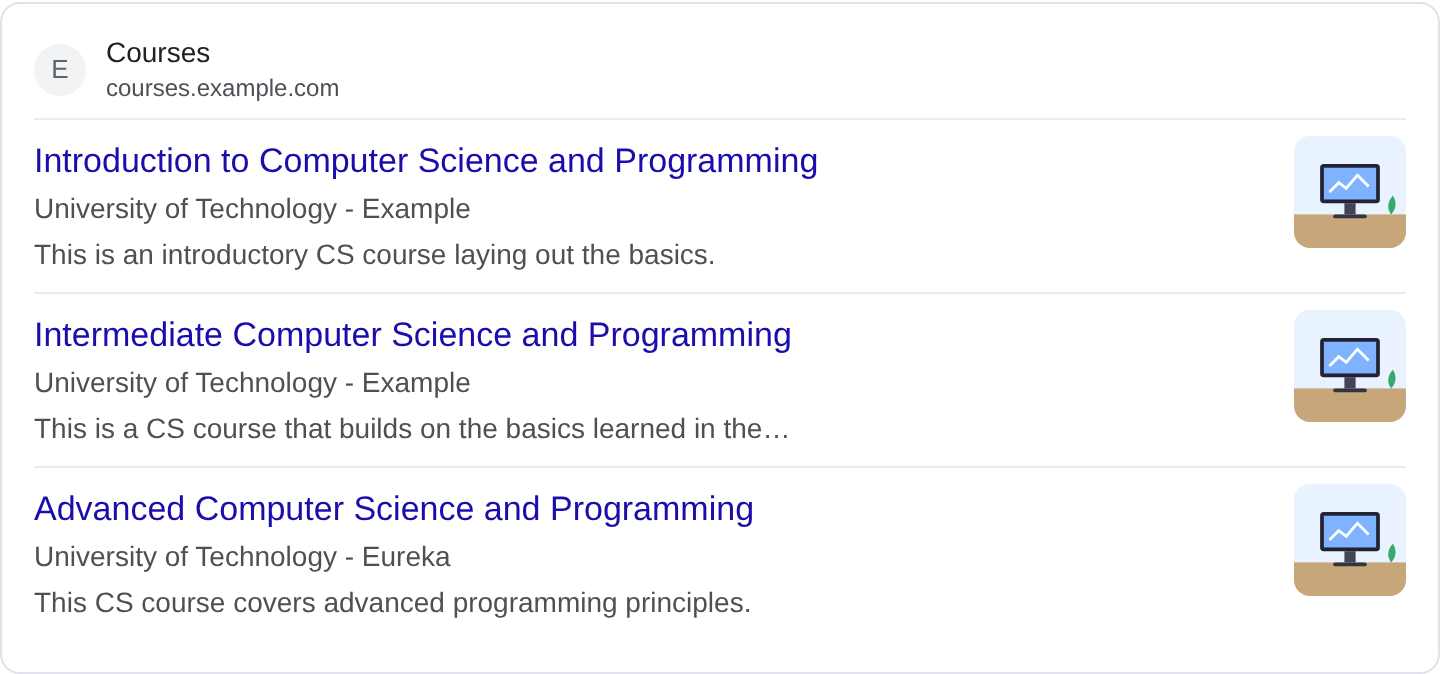
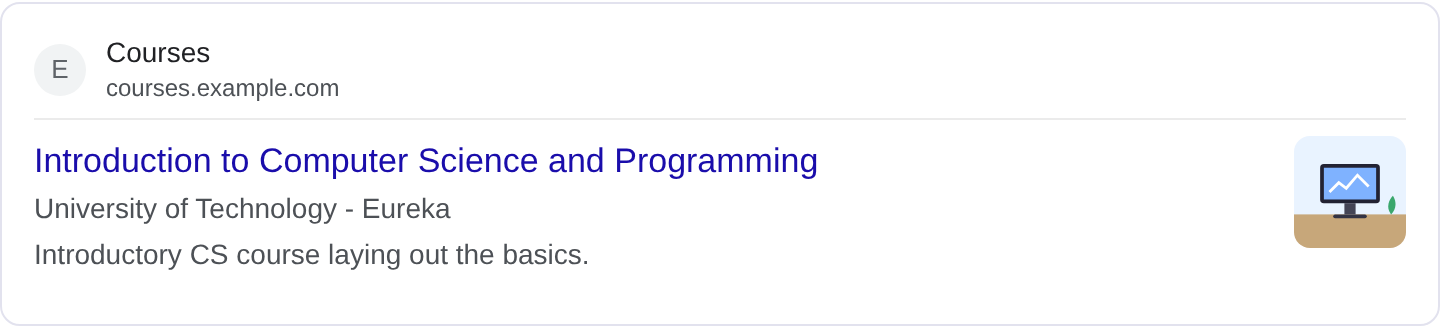
Course structured data describes an educational course so Google can show it as a rich result with details like the provider, the course mode and how long it takes. When someone searches for a topic you teach, a marked-up course can appear with a card that names the provider and gives a short description, which stands out against a plain list of links. This is the markup behind the course lists and course carousels you see for learning platforms. For the complete property list, see Google's Course structured data documentation.
The Course type is the core, and it usually sits inside a ItemList when you have several courses on one page. The important supporting type is CourseInstance, which describes a specific run of the course: whether it is online or in person, how intensive it is, and when it starts. A course with no instance information is hard for Google to present usefully, so think of CourseInstance as part of the required shape rather than an optional extra.
Course markup is aimed at providers, universities, bootcamps and independent educators who publish structured course pages. It does not make an unstructured sales page into a course. Google needs the page to actually describe a course with a real provider, and the markup should reflect that. If your page is a marketing landing page for a single course, add the Course data to that page and make sure the visible content backs it up.
What it looks like in search results
A marked-up course can appear as a card in a course list or carousel, showing the course name, the provider, and often a short description. It can also appear as an enriched result with the provider line visible. The presentation changes with Google's layout tests and device, so the real appearance may differ from any example. Confirm your own markup in the Rich Results Test and preview it with the Structured Data Preview tool.
JSON-LD example
{
  "@context": "https://schema.org",
  "@type": "Course",
  "name": "Practical Data Analysis with Python",
  "description": "A six-week beginner course covering pandas, cleaning real datasets, and presenting findings.",
  "provider": {
    "@type": "Organization",
    "name": "Riverbend Learning",
    "sameAs": "https://example.com/"
  },
  "courseInstance": [
    {
      "@type": "CourseInstance",
      "courseMode": "online",
      "courseWorkload": "PT4H",
      "courseSchedule": {
        "@type": "Schedule",
        "repeatFrequency": "Weekly",
        "startDate": "2026-12-01"
      }
    }
  ]
}
name and provider are the anchors: the course title and the organization offering it. description should be a real sentence or two, not a keyword list. The courseInstance block carries courseMode (online, onsite or blended), courseWorkload in ISO 8601 duration form such as PT4H for four hours per week, and a courseSchedule with a start date and repeat frequency. If you offer several runs, add an instance for each with its own dates.
Required and recommended properties
Google needs name, description and provider on the course, and at least one courseInstance with a courseMode. Without a provider the course has no clear owner, and without a mode Google cannot label how it is delivered. The courseInstance is where most people fall short: a course with no instance data often fails to get the richer treatment.
Recommended: courseWorkload so users can see the time commitment, courseSchedule with a start date, provider.sameAs to link to the provider's site, and image for a card thumbnail. If the course is free or paid, that can be described in the description rather than a separate field. Keep courseMode accurate; labelling an in-person workshop as online is a quality problem Google can detect.
How to add Course markup to your page
1) Use the validator and pick the Course type so the fields line up. 2) Fill in the name, description and provider, then add a courseInstance with a mode and schedule. 3) Resolve any errors the preview flags, most often a missing provider or a malformed workload. 4) Paste the JSON-LD into the course page <head> or before </body>. 5) Test the live page in the Rich Results Test and confirm Google finds a valid Course item.
Common mistakes to avoid
Missing courseInstance entirely. A course with no instance data is a common failure and often gets no rich treatment.
Wrong courseWorkload format. It needs ISO 8601 duration like PT4H, not 4 hours or 4. Free text in that field is ignored.
Vague descriptions. "Best course ever" tells a user nothing. Write what the course covers and who it is for.
Provider that is just a name string. Use an Organization object with a name and a sameAs URL so Google can resolve the provider.
A marketing page with no course details. If the page does not actually teach anything, markup will not save it.
Inconsistent instance dates. If the visible page lists a start date that does not match the markup, Google may ignore the schedule.
Using Course markup for a single lesson inside a bigger program. Describe the course the page is about, not one module of it.
Forgetting to update instances when a term starts. Stale start dates make the result look out of date.
Frequently asked questions
Does course markup help with ranking? It can improve how your course appears and is found in course surfaces, but the primary win is the richer, more clickable result.
Do I need a separate page per course? One page per course is cleanest. If you list many courses on one page, wrap them in an ItemList and mark each course individually.
Can free courses use this? Yes. Course markup works for free and paid courses; the description and instance details are what matter.
What if a course has both online and in-person options? Add multiple courseInstance entries, each with its own courseMode and schedule.
Related guides
Try it on your own content
The Structured Data Preview checks content against these practices in seconds. Free and no sign-up; see the tool page for how analysis works.