Carousel Structured Data: JSON-LD Guide
Want to get a swipeable carousel of cards in Google? Carousel structured data wraps an ItemList of courses, recipes or products so Google can show them as a rich carousel row. Build the list, preview it with the free Structured Data Preview tool, and follow Google's Carousel documentation for the supported item types.
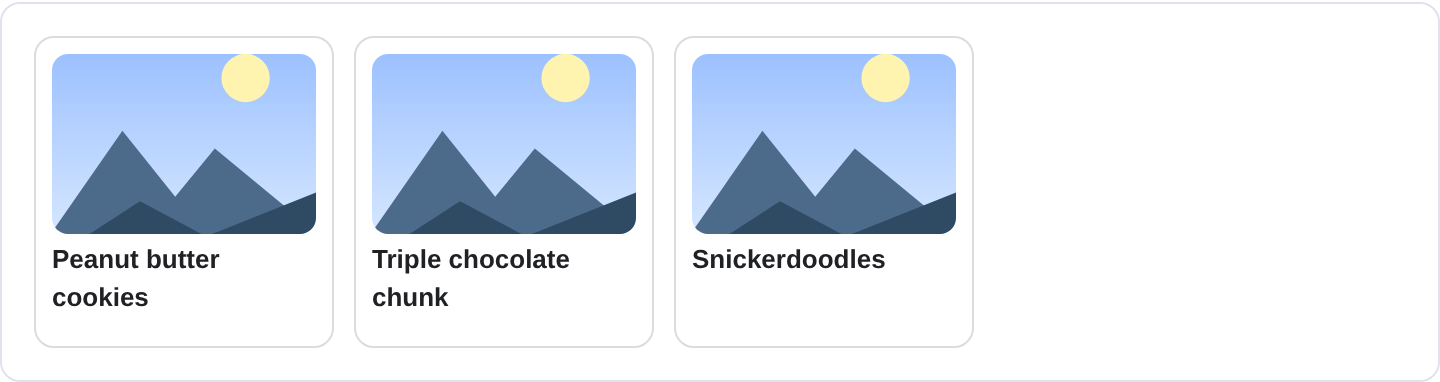
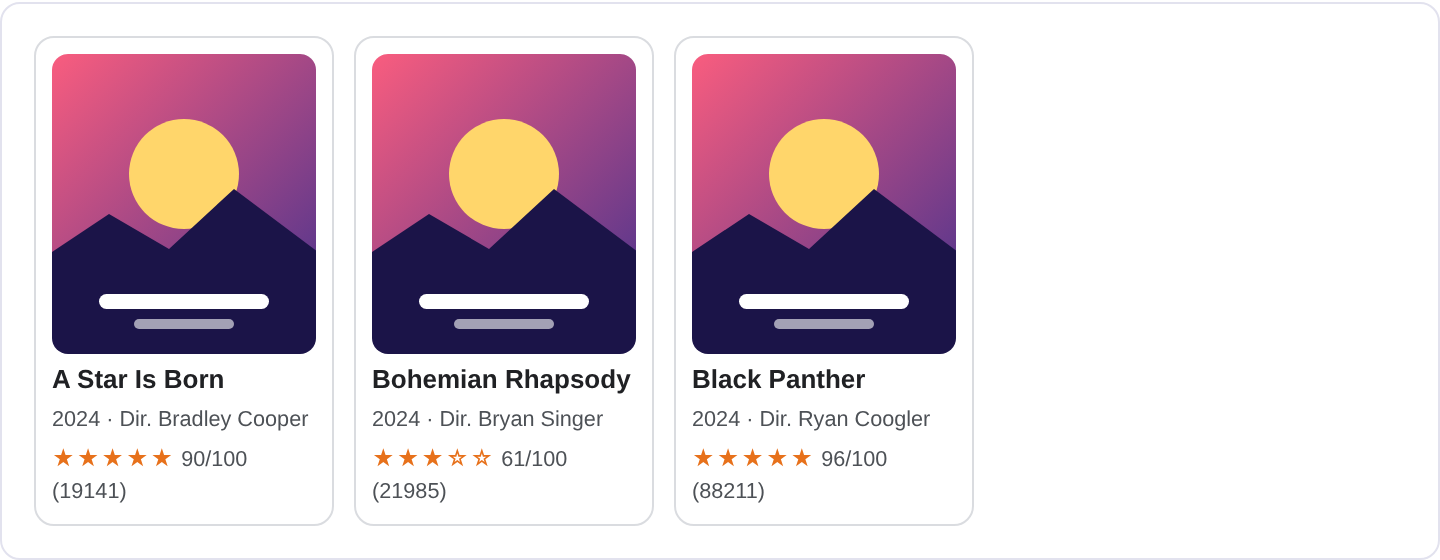
What is Carousel structured data?
A carousel in search is the horizontally scrollable row of cards that appears under a result, usually showing several items that belong together: a set of courses, a list of recipes, a series of movies, or a curated collection of articles. The individual cards can open straight into the relevant page, and the whole row can be swiped through on mobile. Carousel markup is how you tell Google that your page hosts one of these grouped collections. For the supported item types and full specification, see Google's Carousel structured data documentation.
Under the hood a carousel is a ItemList of ListItem entries. Each entry points at one item, and each item is itself structured data of the appropriate type, such as a Course, Recipe or Movie. So a course carousel is not just a list of links; it is a list of fully described courses that Google can render as cards. This is the key idea: the carousel wrapper is simple, and the richness comes from the types you put inside it.
Carousels are useful when you have a genuine collection on a page rather than a single subject. A category page listing twelve recipes, a learning hub listing eight courses, or a movie night page listing five films are all natural fits. A single article page is not a carousel, and forcing one there will not produce the row. Google shows carousels for a limited set of content types, so the markup only pays off when the underlying items are types Google already knows how to render as cards.
What it looks like in search results
The result shows your main page as a normal result, and below it a strip of cards with images, titles and sometimes a line of metadata. Users can scroll the strip horizontally and tap a card to jump to that item. The number of cards and the metadata shown vary by device and by how Google decides to present the collection. The exact appearance may differ from what you expect, so verify with the Rich Results Test and preview your markup with the Structured Data Preview tool.
JSON-LD example
{
  "@context": "https://schema.org",
  "@type": "ItemList",
  "name": "Free watercolor courses",
  "itemListOrder": "https://schema.org/ItemListOrderAscending",
  "numberOfItems": 3,
  "itemListElement": [
    {
      "@type": "ListItem",
      "position": 1,
      "item": {
        "@type": "Course",
        "name": "Watercolor Basics",
        "description": "Start painting with washes and simple color mixing.",
        "provider": {
          "@type": "Organization",
          "name": "Open Studio",
          "sameAs": "https://example.com/"
        }
      }
    },
    {
      "@type": "ListItem",
      "position": 2,
      "item": {
        "@type": "Course",
        "name": "Loose Landscapes",
        "description": "Paint skies and hills without overthinking them.",
        "provider": {
          "@type": "Organization",
          "name": "Open Studio",
          "sameAs": "https://example.com/"
        }
      }
    }
  ]
}
The outer ItemList needs a name and a list of itemListElement. Each element is a ListItem with a position and an item. The item is where you describe the actual thing: a course with a name, description and provider, a recipe with name and recipeIngredient, and so on. numberOfItems should match the number of entries. Keep itemListOrder as ascending so the order is explicit.
Required and recommended properties
For the carousel itself, Google wants itemListElement with a position and an item for each entry. The inner item type must be one Google supports for carousels, and it must be valid on its own. That means each course needs a name, each recipe needs its ingredients and steps, and so on. The name on the ItemList is recommended because it gives the collection a label.
The recommended properties live inside the items, not the list. Add descriptions, images, and any type-specific fields so each card has something to show. A carousel of bare names and no images will not render as a rich row. If your items point to URLs on other pages, make sure those pages also carry the matching structured data, because the card content is drawn from the item description you provide here.
How to add Carousel markup to your page
1) Open the validator and select the carousel or ItemList type to see the expected shape. 2) Build the list with real items, each with a position and a complete inner type. 3) Fix errors in the preview; a missing item or a bad position is the usual culprit. 4) Paste the JSON-LD into the category or collection page <head>. 5) Test the page in the Rich Results Test and confirm Google detects the ItemList and the inner items without errors.
Common mistakes to avoid
Treating a carousel as a list of plain links. Each entry needs a real item object with type-specific properties, not just a url.
Putting a carousel on a single-item page. There is nothing to scroll, so no row appears. Use a single Course or Recipe instead.
Mismatched numberOfItems and the actual list length. Keep the count honest; a wrong count can make Google distrust the list.
Missing images on the cards. Cards without images rarely render as a rich carousel. Add a high-resolution image per item.
Using an item type Google does not render in carousels. Not every schema type gets a carousel row. Stick to the supported collection types.
Forgetting that each item needs to be valid standalone. If the Course inside the list is invalid, the whole carousel can fail.
Duplicating the same items across many pages to farm carousels. Google treats repeated, low-value collections as spam.
Inconsistent ordering. If itemListOrder says ascending but your positions jump around, the order becomes unreliable.
Frequently asked questions
Does every page get a carousel? No. Carousels are shown for supported item types and only when Google decides the collection is useful. Markup helps, but it does not force the feature.
Can I reuse a list of links I already have? Yes, but you must describe each link as a proper item with its type and properties, not just paste URLs.
Do the linked pages need their own markup? Strongly recommended. If a user taps a card and lands on a page with no structured data, the experience is inconsistent and Google has less to work with.
How many items should a carousel have? A handful that are genuinely related works best. Very long lists get truncated, and thin collections look padded.
Related guides
Try it on your own content
The Structured Data Preview checks content against these practices in seconds. Free and no sign-up; see the tool page for how analysis works.