Event Structured Data: JSON-LD Guide
Want your concert, conference or workshop to appear in Google's event results? Event structured data gives Google the date, venue and ticket link, which is what powers the dedicated event experience. Add the Event JSON-LD, preview it with the free Structured Data Preview tool, and check the fields against Google's Event documentation.
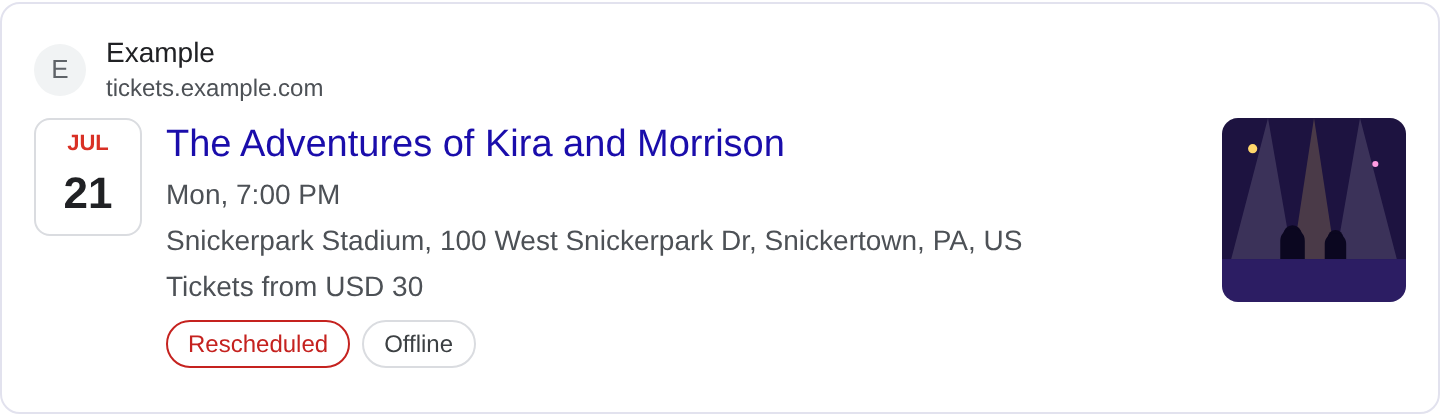
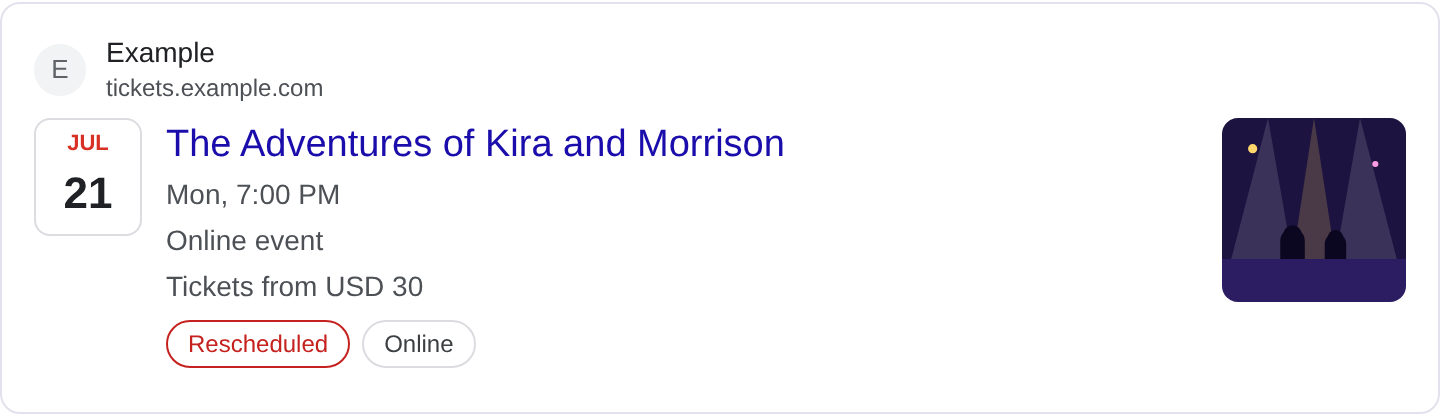
What is Event structured data?
Event markup describes something that happens at a specific time and place, or online at a specific time, so Google can show it in event results with the date, the venue and a link to tickets. When someone searches for a concert, a conference, a workshop or a festival, a marked-up event can appear in a dedicated event experience with the details laid out. That is a different surface from a normal web result, and it is where event markup earns its keep. For the full property list and event types, see Google's Event structured data documentation.
The Event type is the core. It carries the name, the start and end dates, the location, and often an offers block for tickets. Supporting types like Place or VirtualLocation describe where the event happens, and Offer describes price and availability. The critical thing Google checks is that the event is real and upcoming. A page about a past event, or an evergreen "events" landing page with no specific date, is not an event and will not get the treatment.
Event markup fits venues, promoters, conference organizers, community groups, and anyone publishing a specific dated happening. It does not fit a generic calendar page that links to many events, because each event needs its own details. If your page is a listing of ten events, mark up each one separately or on its own page. Google wants the event to be a thing you can attend, with a real date and a real location or a virtual equivalent.
What it looks like in search results
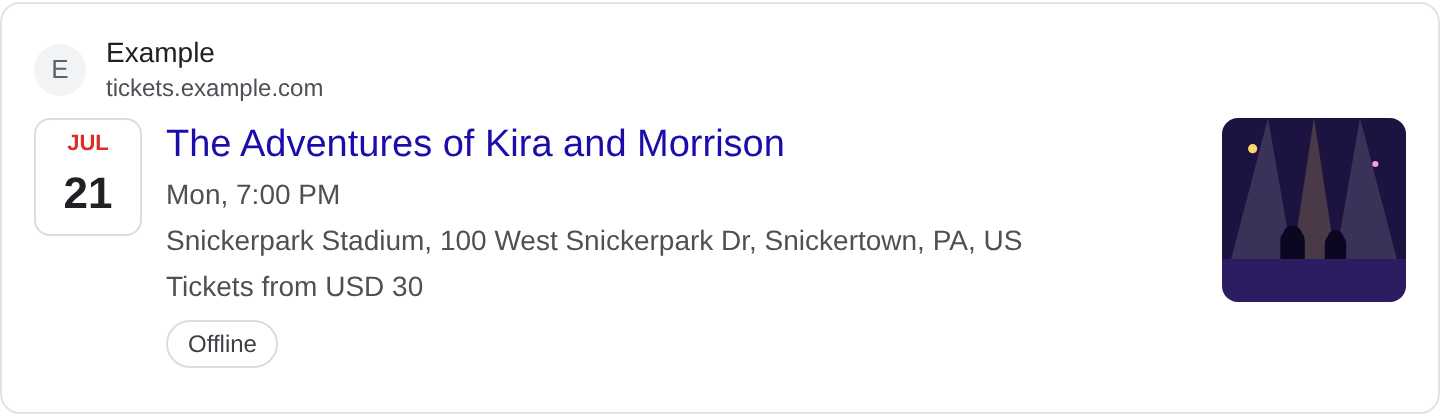
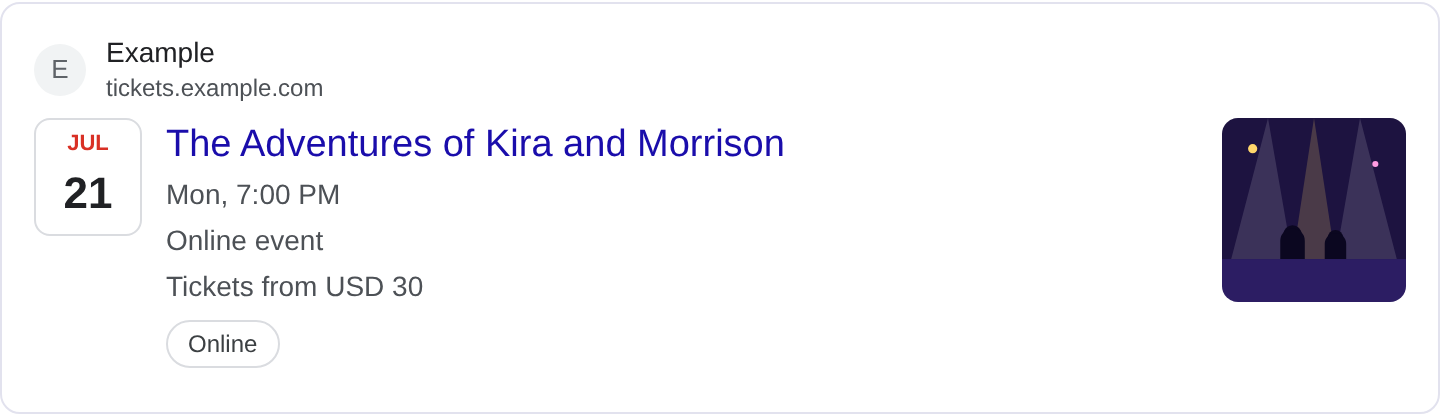
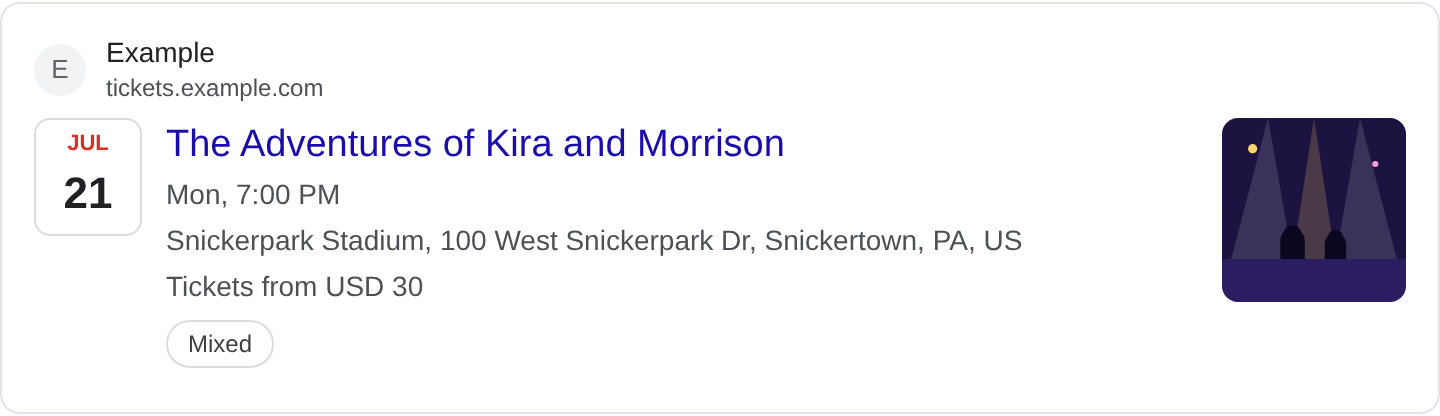
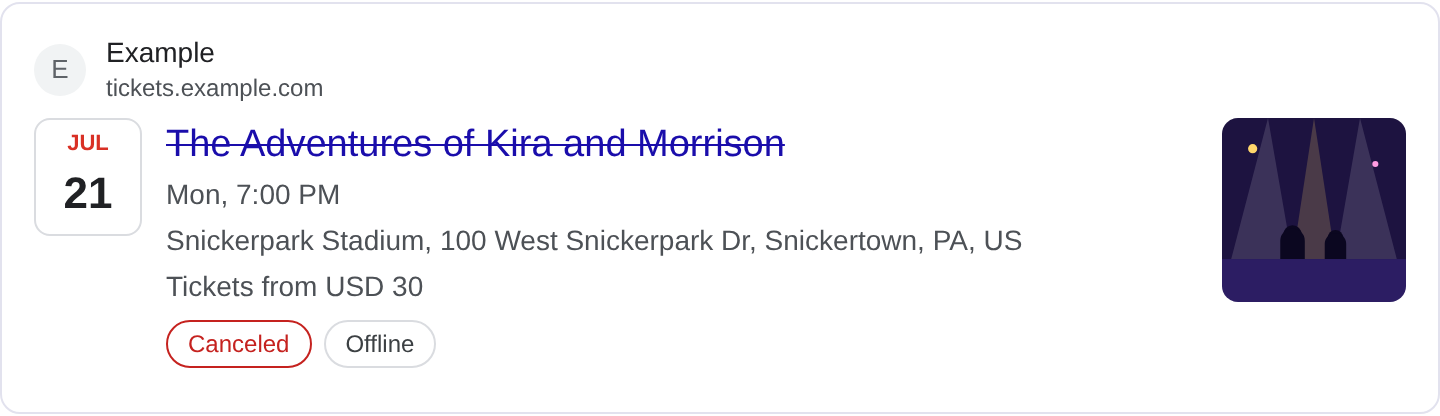
A marked-up event can appear in the event experience with the name, date, location and a ticket link, sometimes grouped with other events on the same day or in the same area. The exact layout changes with Google's event surfaces and the query, so the real appearance may differ from any example. Verify your page in the Rich Results Test and preview the fields with the Structured Data Preview tool.
JSON-LD example
{
  "@context": "https://schema.org",
  "@type": "Event",
  "name": "Harbor Jazz Night",
  "startDate": "2026-12-05T19:30:00-08:00",
  "endDate": "2026-12-05T22:00:00-08:00",
  "eventAttendanceMode": "https://schema.org/OfflineEventAttendanceMode",
  "eventStatus": "https://schema.org/EventScheduled",
  "location": {
    "@type": "Place",
    "name": "Pier 9 Hall",
    "address": {
      "@type": "PostalAddress",
      "streetAddress": "9 Dock Street",
      "addressLocality": "Harbor City",
      "addressRegion": "CA",
      "postalCode": "94111",
      "addressCountry": "US"
    }
  },
  "offers": {
    "@type": "Offer",
    "price": "25",
    "priceCurrency": "USD",
    "availability": "https://schema.org/InStock",
    "url": "https://example.com/tickets/harbor-jazz-night"
  },
  "performer": {
    "@type": "Person",
    "name": "The Dockside Trio"
  }
}
name, startDate and location are the anchors. The dates need a timezone, and endDate should be included even if the event is short. eventAttendanceMode says whether it is in person, online or hybrid, and eventStatus says whether it is scheduled, cancelled or moved. The offers block carries the price, currency, availability and a ticket URL. If the event is free, use price: "0" rather than leaving the field out, so the offer is explicit.
Required and recommended properties
Google needs name, startDate and location. Without a location, an in-person event is unplaceable; for online events use a VirtualLocation with a URL instead. The location should be a Place with a full PostalAddress for physical events. endDate is strongly recommended, and offers with a real ticket URL is what connects the event to a purchase.
Recommended: eventAttendanceMode, eventStatus, performer or organizer, image for a thumbnail, and description for a short summary. Keep eventStatus accurate; marking a cancelled event as scheduled is a direct quality problem. If the event moves to a new date, update the dates and the status together so the result does not point at a stale listing.
How to add Event markup to your page
1) Use the validator and select the Event type. 2) Fill in the name, dates with timezones, location and ticket offer. 3) Fix errors the preview flags, usually a missing address or a date without a timezone. 4) Paste the JSON-LD into the event page <head>. 5) Test the live URL in the Rich Results Test and confirm Google detects the Event with valid dates and location.
Common mistakes to avoid
Missing timezone on dates. 2026-12-05T19:30:00 without an offset is ambiguous. Always include the offset.
Using a generic events page as an event. A page listing many events is not one event. Mark each event separately.
Outdated events left marked as scheduled. Past or cancelled events must be updated or removed; a stale result sends people to nothing.
Location as a plain string. location needs a Place with a structured address, not just "Downtown Hall".
No ticket URL. Without an offers.url, users cannot act on the result.
Wrong attendance mode. An online webinar marked as offline sends people to a venue that does not exist.
Free event with no price. Use price: "0" so the offer is clear rather than missing.
Duplicated events across pages. The same event listed on many URLs can look like spam; keep one canonical event page.
Frequently asked questions
Does event markup guarantee the event experience? No. Google decides which events to show based on relevance and quality. Valid markup is the entry ticket, not a guarantee.
Can I mark up a recurring event? Yes, but describe each occurrence or use a clear schedule. A single event with a vague "every Friday" date will not render well.
Do online events need a location? They need a VirtualLocation with a URL instead of a physical address, plus the attendance mode set to online.
How do I handle a cancelled event? Set eventStatus to EventCancelled and update the page. Leaving it marked scheduled is misleading.
Related guides
Try it on your own content
The Structured Data Preview checks content against these practices in seconds. Free and no sign-up; see the tool page for how analysis works.