Video Structured Data: JSON-LD Guide
Want to add video schema to your site? Google uses VideoObject markup to show a thumbnail, duration and play button for your video in results, and Google's video documentation details the properties it reads. Add the JSON-LD to the page, preview it in the free Structured Data Preview tool, and verify it with the Rich Results Test.
What is Video structured data?
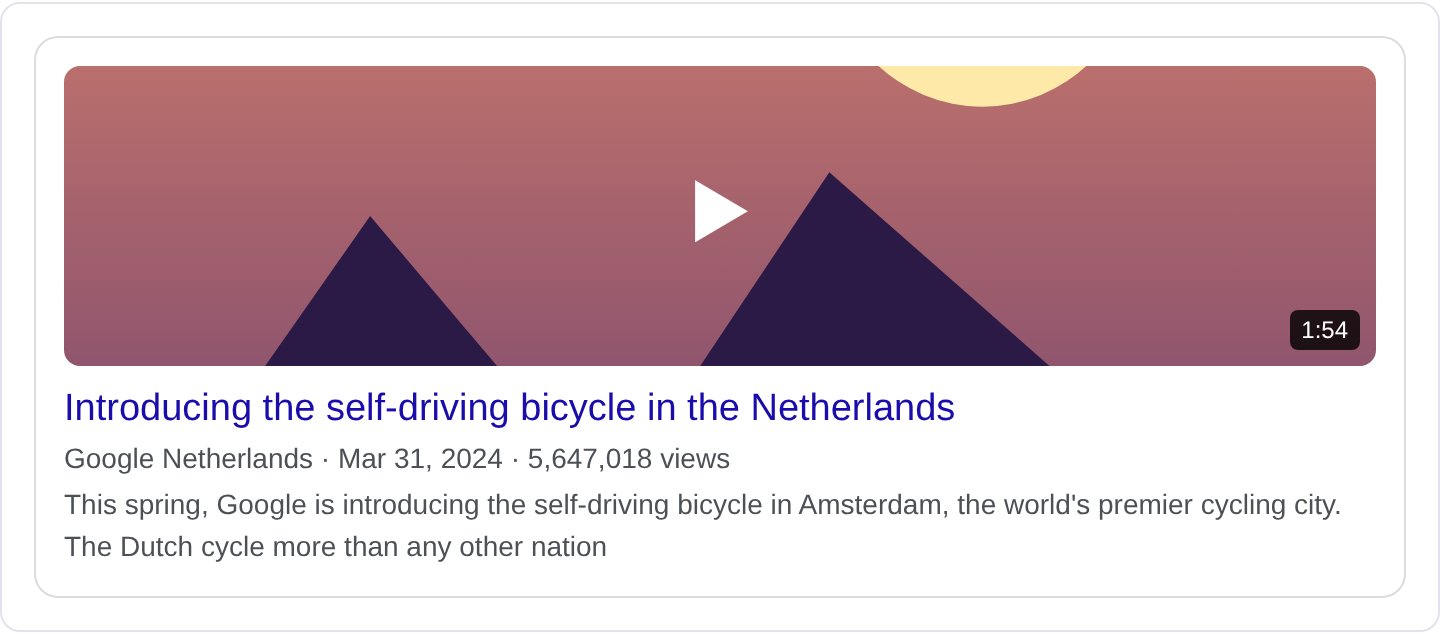
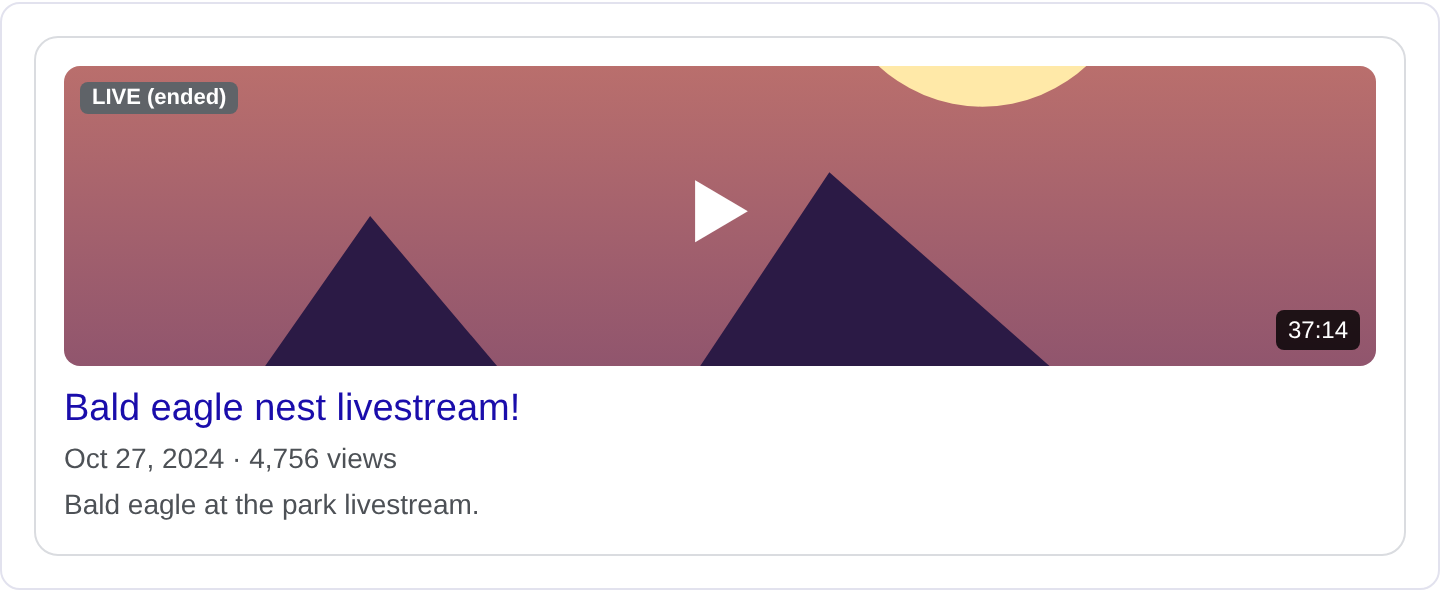
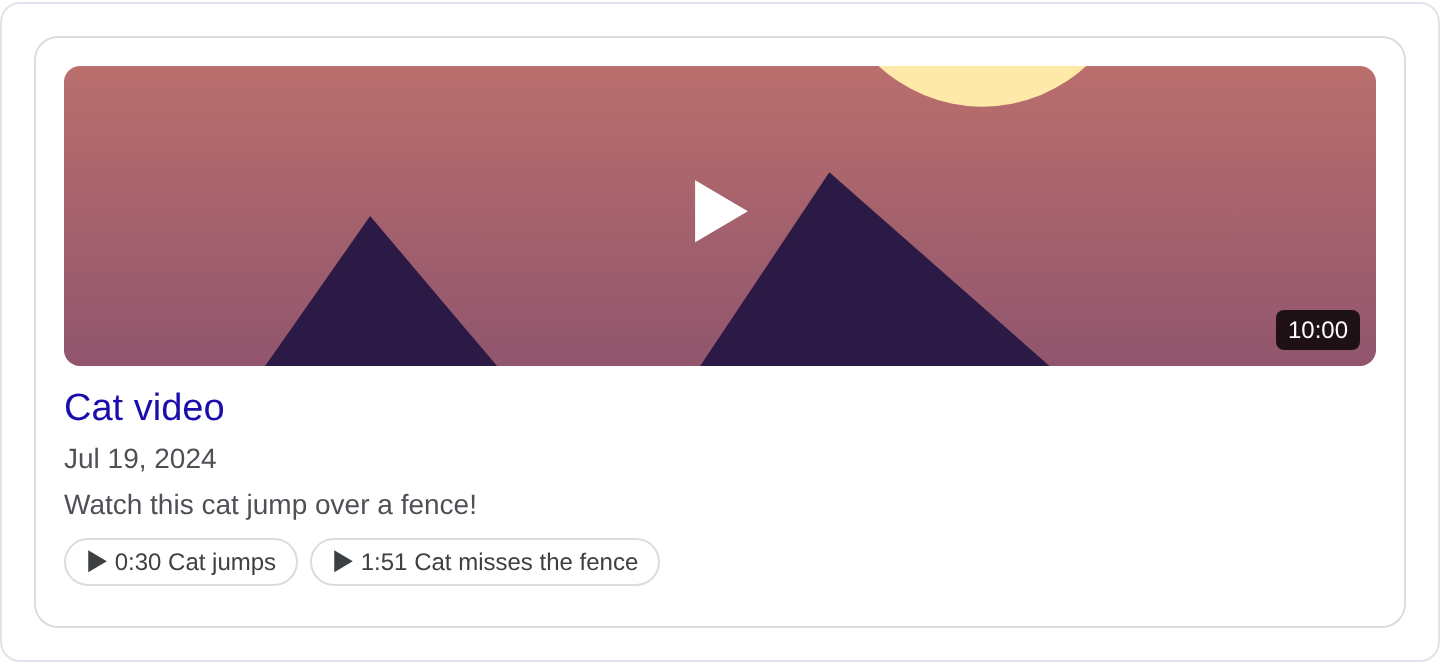
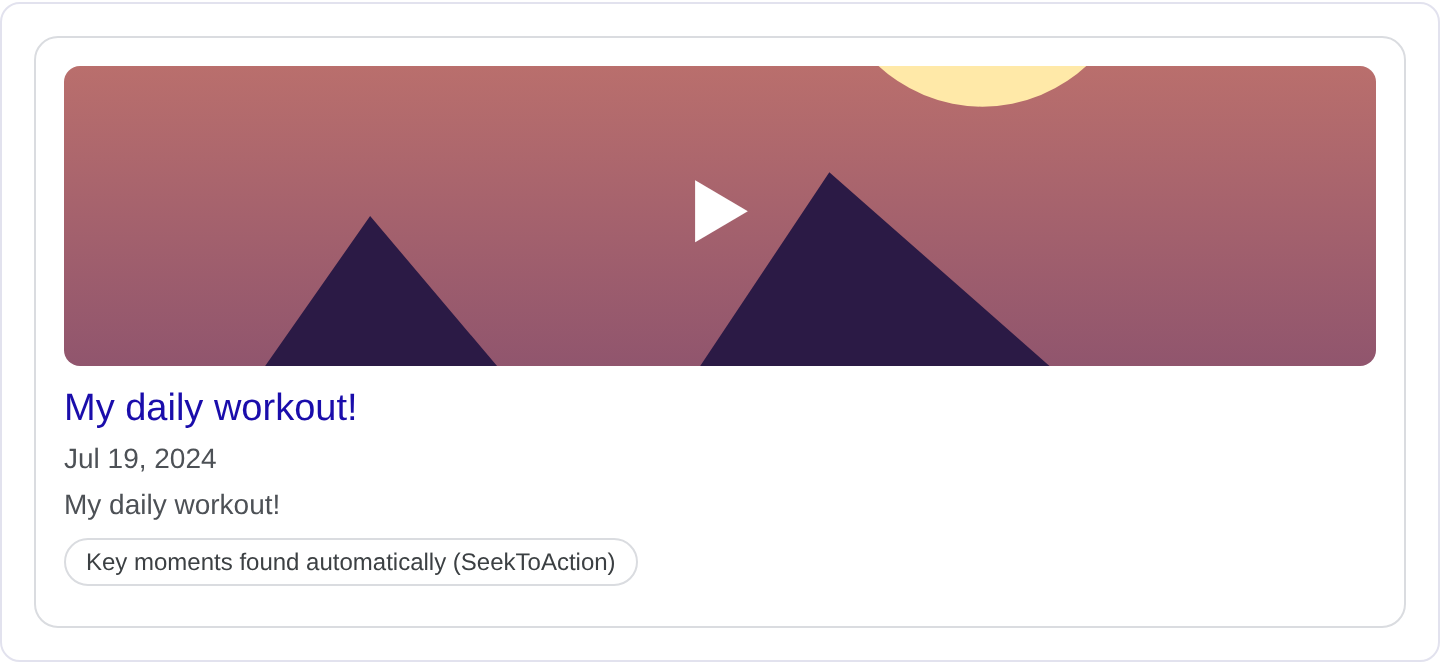
Video markup describes a video so Google can show it as a rich result with a thumbnail, a duration and a play affordance, and so it can understand what the video is about. When someone searches for a topic you have a video on, a marked-up page can appear with the video directly playable or clearly labeled, rather than as a plain link. It also helps Google index videos that are embedded on a page, which is often where they otherwise get lost. For the full list of properties and Google's current requirements, see Google's Video structured data documentation.
The VideoObject type is the core. It carries name, description, thumbnailUrl, uploadDate, duration, and either contentUrl (the video file) or embedUrl (the player page). Supporting types like Person for the publisher and InteractionCounter for views fill in the details. Google is looking for a real video with a real thumbnail and a real upload date, because those are what it shows in the result. A video with no thumbnail or no date is hard to present.
Video markup fits publishers, creators, news sites and anyone who embeds video on their pages. It does not fit a page that merely links to a YouTube video with no embedded player, because there is no video on the page to describe. If you host or embed a video, mark up that video on the page where it lives. Google wants the markup to match the video a user can actually watch on the page.
What it looks like in search results
A marked-up video can appear as a video result with a thumbnail, the title, the duration and a play button, sometimes with the upload date. It can also appear as a rich result embedded in a normal page result. The exact layout depends on the query and Google's video surfaces. The real appearance may differ from any example, so check your page in the Rich Results Test and preview the fields with the Structured Data Preview tool.
JSON-LD example
{
  "@context": "https://schema.org",
  "@type": "VideoObject",
  "name": "How to repot a root-bound monstera",
  "description": "A step-by-step guide to moving a root-bound monstera into a larger pot without damaging the roots.",
  "thumbnailUrl": "https://example.com/images/monstera-repot-thumb.jpg",
  "uploadDate": "2026-10-18T14:00:00-07:00",
  "duration": "PT8M42S",
  "contentUrl": "https://example.com/videos/monstera-repot.mp4",
  "embedUrl": "https://example.com/videos/monstera-repot",
  "publisher": {
    "@type": "Organization",
    "name": "Greenhouse Notes",
    "logo": {
      "@type": "ImageObject",
      "url": "https://example.com/logo.png"
    }
  }
}
name and description describe the video. thumbnailUrl is the image Google shows, and uploadDate is when it went live. duration uses ISO 8601 form like PT8M42S. contentUrl points at the video file, and embedUrl points at the player page; include one or both. publisher identifies who made it. Keep the thumbnail and date accurate, since those are the visible parts of the result.
Required and recommended properties
Google needs name, thumbnailUrl and uploadDate. Without a thumbnail there is nothing to show, and without an upload date the video has no context. duration is strongly recommended, as is either contentUrl or embedUrl so Google can find the actual video.
Recommended: description, publisher, interactionStatistic for view counts, contentLocation if relevant, and expires if the video is time-limited. Keep the thumbnail high-resolution and the duration accurate. If you embed a video from another platform, use the embed URL and make sure the video is actually present on the page. Google cross-checks the markup against the page, so a video described in markup but not embedded will not hold up.
How to add Video markup to your page
1) Use the validator and select the VideoObject type. 2) Fill in the name, thumbnail, upload date, duration and content or embed URL. 3) Fix errors the preview flags, most often a missing thumbnail or a malformed duration. 4) Paste the JSON-LD into the page <head>. 5) Test the live URL in the Rich Results Test and confirm Google detects the VideoObject.
Common mistakes to avoid
Missing thumbnail. Without thumbnailUrl, the video has no image and the result is weak.
Wrong or missing duration. PT8M42S is valid; "about 9 minutes" is not.
Describing a video that is not on the page. The markup must match a video a user can actually watch there.
One VideoObject for many videos. A page with several videos needs one object per video, or an ItemList.
Using a relative URL. contentUrl and embedUrl should be absolute.
Outdated upload date. A wrong date misrepresents when the video was published.
Low-resolution thumbnail. Tiny or blurry thumbnails get dropped or look poor.
Copying video metadata from another site. Scraped metadata often has the wrong durations and dates.
Frequently asked questions
Does video markup improve ranking? It can make your video appear as a rich result with a thumbnail and play button, which can lift clicks. It is not a direct ranking factor.
Can I mark up an embedded YouTube video? Yes, use the embed URL and make sure the video is embedded on the page. The markup should match the visible video.
Do I need a separate page per video? It is cleanest to have a page per video, or at least a clear anchor, so the markup describes a specific video.
What if my video is long? Include the full duration. If you have chapters, make sure the page and markup agree on the length.
Related guides
Try it on your own content
The Structured Data Preview checks content against these practices in seconds. Free and no sign-up; see the tool page for how analysis works.